

How to Log In to Your Favorite Online Platform
In today’s digital age, logging in to various online platforms has become an essential part of our daily lives. Whether you are accessing social media, banking applications, or gaming sites like How to Log In to Britsino Casino Britsino Casino login, knowing how to log in securely and efficiently is vital. This guide will take you through the steps to log in to your favorite online platforms while ensuring your data remains safe.
Understanding the Basics of Online Login
Before diving into the specific steps for logging in, it’s important to understand the basic components involved in an online login system. Typically, accessing an online account requires a username (or email) and a password. Some platforms may also implement additional security measures such as two-factor authentication (2FA) to enhance security.

Step-by-Step Guide to Logging In
- Identify the Website or Application: Start by navigating to the specific website or application where you wish to log in. This could be a social media site like Facebook, an email provider like Gmail, or an online gambling platform.
- Locate the Login Button: Most websites will have a clearly labeled login button or link. This is often located at the top right corner of the homepage. Click on this button to begin the login process.
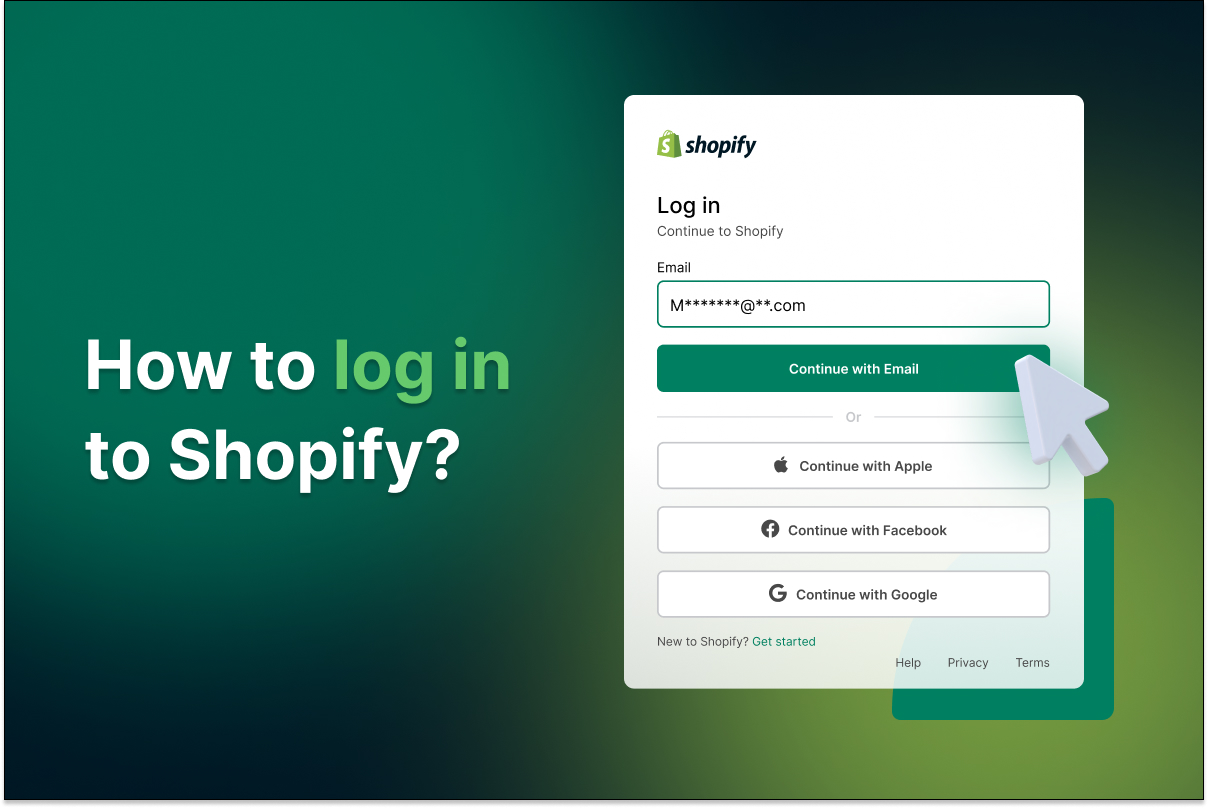
- Enter Your Credentials: Once you have clicked the login button, you will be prompted to enter your credentials. Fill in your username or email address and password in the designated fields. Make sure to double-check for any spelling errors.
- Utilize ‘Remember Me’ Options: If you are logging in from a personal device, you might want to select the ‘Remember Me’ option. This will keep you logged in for future visits, saving you time in the long run. However, do not use this feature on shared or public devices.
- Complete Additional Security Checks: Some platforms may require additional security checks, especially if you are accessing your account from a new device or location. Follow the prompts to enter a verification code sent to your email or mobile device.
- Access Your Account: Once you have successfully entered your credentials and completed any additional security checks, you should now have access to your account. Be sure to check any notifications or updates once logged in.
Troubleshooting Login Issues
Sometimes, you may encounter issues while trying to log in. Here are some common problems and solutions:
- Forgotten Password: If you can’t remember your password, look for a “Forgot Password?” link. Click it to initiate the password recovery process, which typically involves receiving a reset link via email.
- Username Not Recognized: Ensure you are using the correct username or email associated with the account. Sometimes, typos or using an old email can cause this issue.
- Browser Issues: Occasionally, the issue may lie with your web browser. Try clearing your cache or using a different browser or device to see if that resolves the issue.
- Account Locked: If you have made multiple unsuccessful login attempts, your account may be temporarily locked. Wait for a specified period or follow the prompts for unlocking your account.
Best Practices for Secure Logins
To protect your online accounts, it’s crucial to engage in best practices for secure logins:
- Use Strong Passwords: Create complex passwords that are difficult to guess, including a mix of letters, numbers, and special characters. Avoid using easily obtainable information like birthdays or names.
- Enable Two-Factor Authentication: If a platform offers 2FA, it’s highly recommended to enable it. This adds an extra layer of security, requiring not only your password but also a code sent to your mobile device.
- Regularly Update Your Passwords: Make it a habit to change your passwords periodically to minimize the risk of unauthorized access.
- Be Wary of Phishing Attempts: Always verify that you are on the correct website before entering your login credentials, and be cautious of unsolicited emails or messages requesting your information.
Conclusion
Logging in to your favorite online platforms should be a straightforward process as long as you follow the correct steps and implement security best practices. By staying vigilant and informed about potential issues, you can ensure a smooth and secure online experience. Whether it’s social media, online gaming, or any other platform, knowing how to log in efficiently is essential in today’s digital landscape.